
Bridge at Sea · DigiBid
The digital bidding box for cruise bridge
DigiBid replaces the physical bidding boxes that cruise ships rarely provide. A clean, silent, touch-friendly app that works on any phone or tablet — no internet required once loaded.
The problem it solves
Most cruise ships don’t have bidding boxes
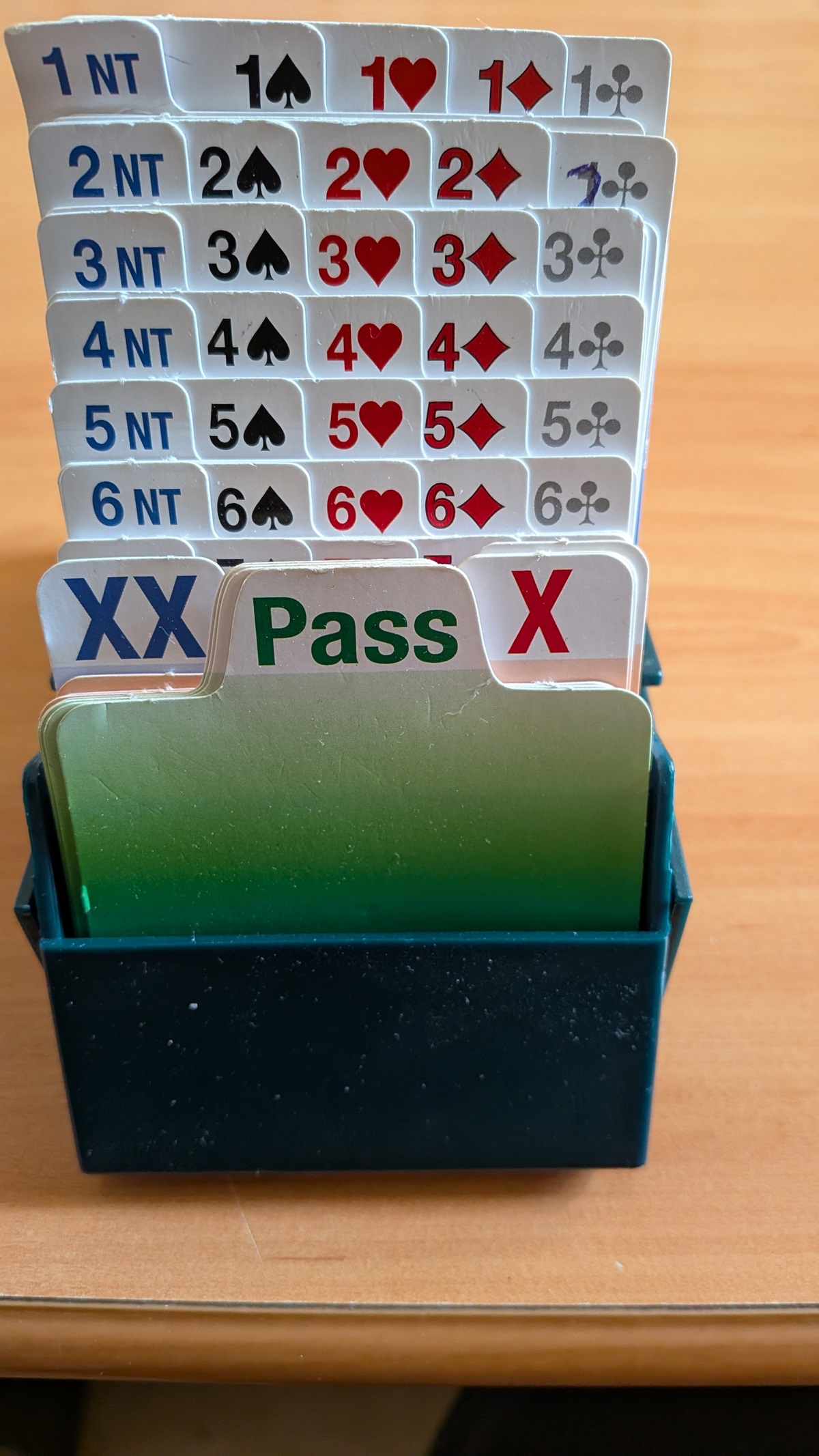
Physical bidding boxes are a standard piece of duplicate bridge equipment — but most cruise ships don’t carry them. Without bidding boxes, players have to call their bids out loud, which alerts the whole table (and anyone nearby) to the auction. DigiBid solves this instantly.
Features
Everything a bidding box needs — nothing it doesn’t
Full bidding keyboard
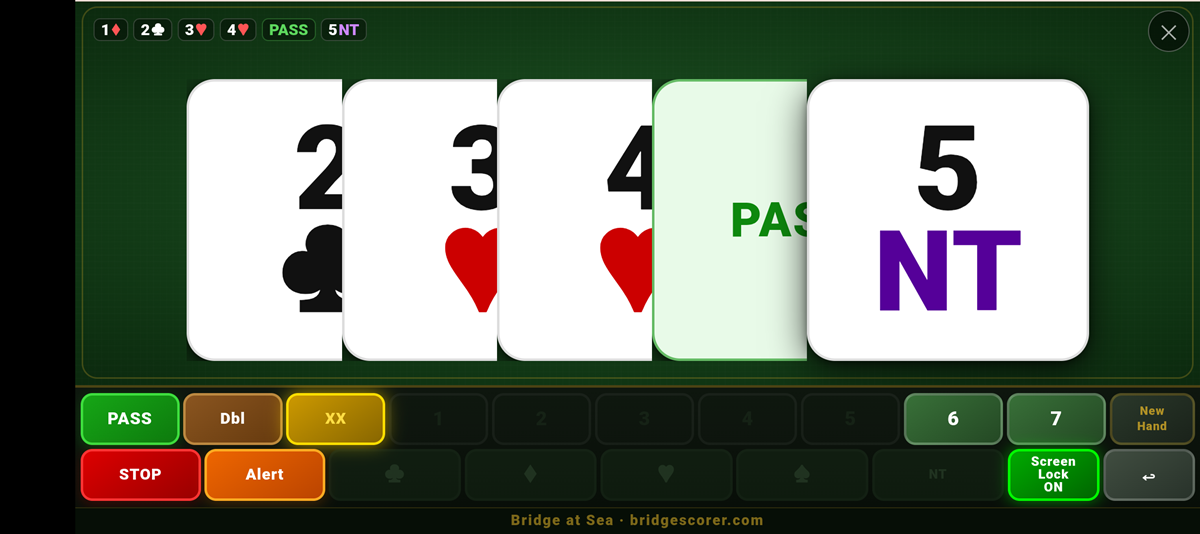
All levels 1–7, all suits and NT, Pass, Double and Redouble. Every possible bid is one tap away.
Auction display
The current auction is shown as large cards across the top of the screen — easy to read from across the table.
Works fully offline
No Wi-Fi needed once loaded. Essential for cruise ships in the middle of the ocean with no internet access.
Any device
Works on any phone, tablet or laptop in Chrome or Safari. No app store download required.
Screen lock
Lock the screen during play so accidental touches don’t disrupt the auction. Unlock with a single tap.
New hand in one tap
Clear the auction and start fresh with a single tap of “New Hand” — no reset menus or settings to navigate.
DigiBid is completely free
No licence code required, no registration, no payment. Just open it in your browser, add it to your home screen, and it’s ready to use — on any device, anywhere in the world.
Installation
Add to your home screen — takes 30 seconds
Open in your browser
Visit the DigiBid link in Chrome (Android) or Safari (iPhone/iPad). It works immediately in the browser without any installation.
Add to home screen
Android: tap the menu (⋮) → “Add to Home Screen”. iPhone: tap Share → “Add to Home Screen”. A DigiBid icon appears on your device.
Use offline
Once added to your home screen, DigiBid works completely without internet. Open it from the icon just like any other app.
One per player
Each player at the table can have DigiBid on their own device — or pass one tablet around the table for bidding.
it