
Bridge at Sea · Bridge Calculator
Three essential tools — one free app
Bridge Calculator combines a bridge scoring calculator, a standard calculator and a live currency converter in one offline-capable app. Everything a cruise bridge player needs in one place.
Open & Install Bridge Calculator →What’s included
Three tools in one app
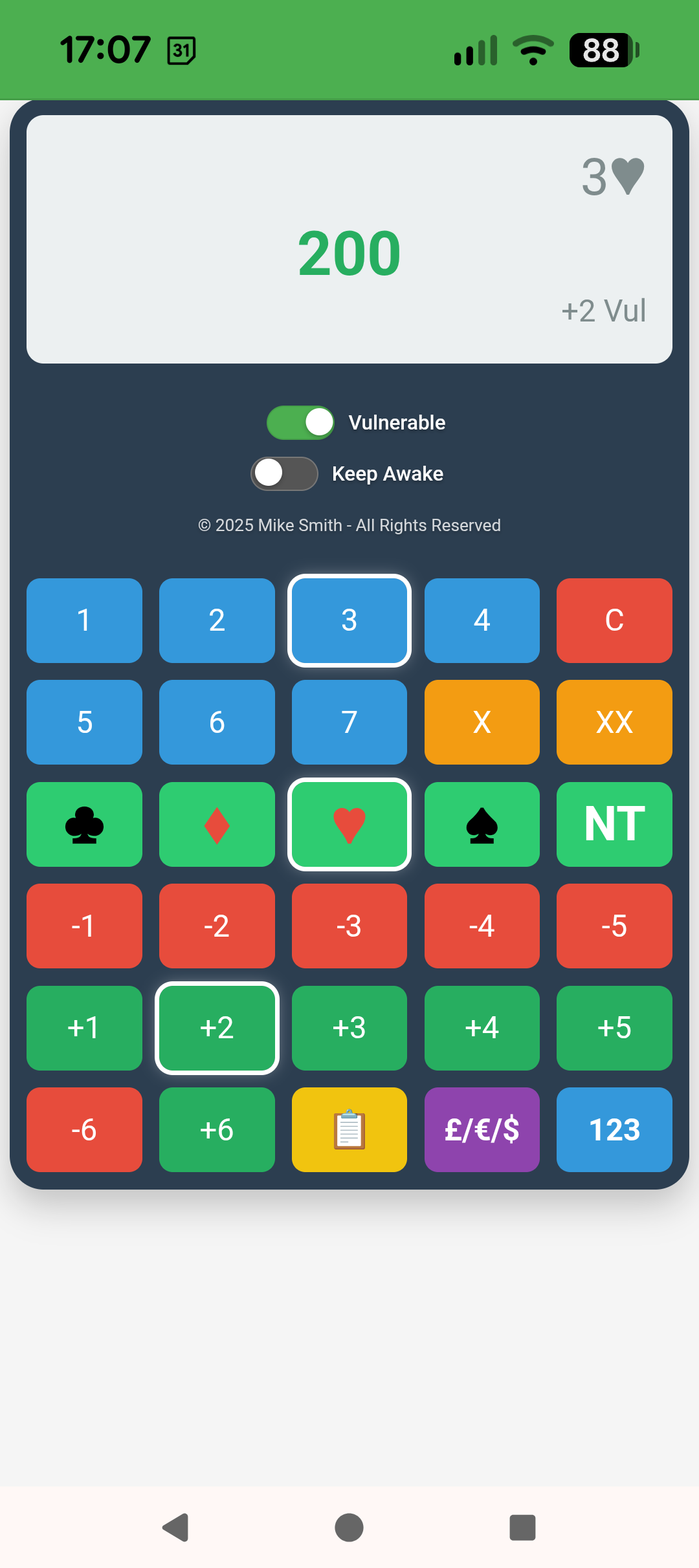
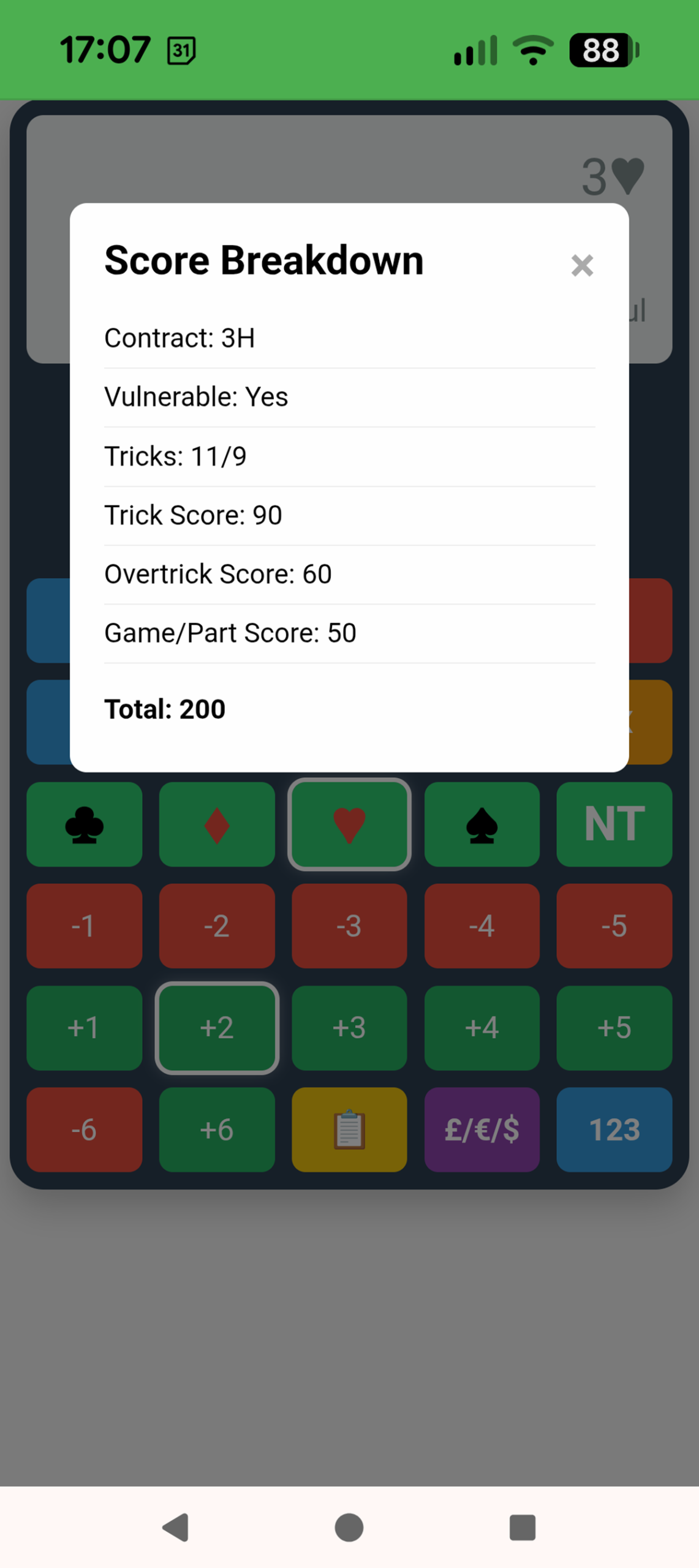
Bridge Scorer
Calculate bridge scores with full vulnerability support — made, doubled, redoubled and slams.
- All contracts from 1♣ to 7NT
- Vulnerable and non-vulnerable scoring
- Doubled and redoubled contracts
- Overtricks and undertricks
- Game and slam bonuses included
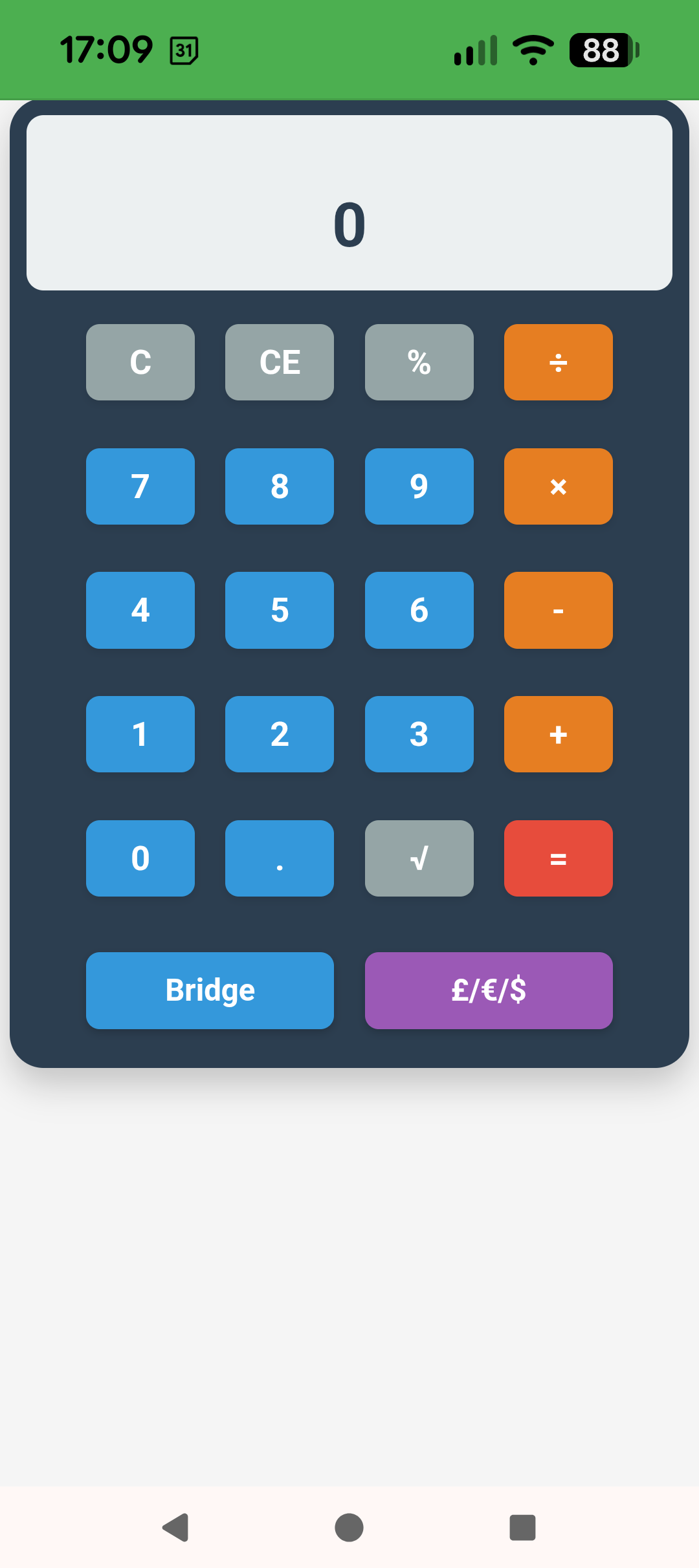
Standard Calculator
A full-featured calculator for everyday use — useful for splitting bills, tipping and general arithmetic on board.
- All standard arithmetic operations
- Clean, large-button interface
- Works offline — no internet needed
- Ideal for splitting costs with fellow passengers
- Percentage calculations included
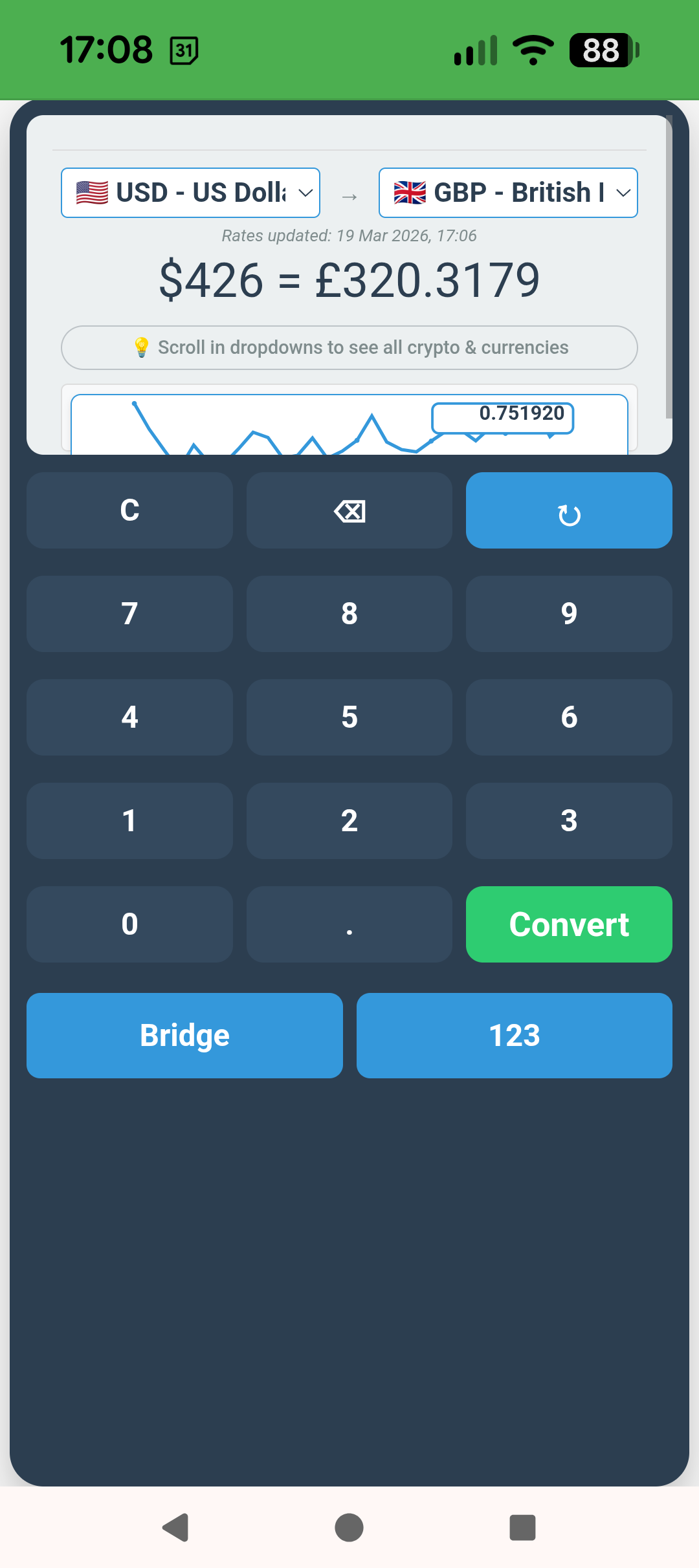
Currency Converter
Live currency conversion for cruise passengers arriving at new ports — always know what you’re spending.
- Live exchange rates when online
- All major world currencies
- Ideal for port days and shopping
- Quick conversion at a glance
- Works alongside the standard calculator
App screenshots
See all three tools in action
Perfect for cruising
Everything you need at sea and in port
At the bridge table
Quickly check whether a contract scored correctly, calculate the value of a doubled contract or work out what you need to make on the last hand.
Shopping in port
Instantly convert local prices to pounds or your home currency so you always know exactly what you’re paying.
Splitting the bill
Dining ashore with fellow bridge players? Use the standard calculator to split the bill and work out tips quickly.
No Wi-Fi needed
The bridge scorer and standard calculator work fully offline. The currency converter fetches live rates when you have a connection — cached for when you don’t.
Bridge Calculator is completely free
No registration, no licence code, no payment. Open it in your browser, add it to your home screen, and it’s ready to use anywhere — at the bridge table or ashore.
Getting started
Install in 30 seconds
Open in Chrome or Safari
Visit the Bridge Calculator link on your phone, tablet or laptop. It works immediately in the browser without any installation.
Add to home screen
Android: tap menu (⋮) → “Add to Home Screen”. iPhone: tap Share → “Add to Home Screen”. Done — it appears as an app icon.
Use anywhere
Once installed it works completely offline. Open from your home screen like any other app — no internet needed for the bridge scorer or calculator.